
← Our Work
Insurance video conferencing
Everest restored client meeting quality by proving where the room experience was breaking.
Everest needed reliable client meeting rooms. Tesrex investigated the Webex Room Kit path, reviewed SIP and RTP treatment through the network, and traced the poor experience to packet loss, switchport errors and physical connectivity issues.
 Illustrative meeting-room view. Delivery proof came from room and network evidence.
The room issue was proved across the device, media path and physical port.
The London team was seeing one-way audio and choppy video during client meetings. The issue sat across room experience, network path, QoS handling and physical connectivity rather than a simple user problem.
- 01Inspect the room kitUse the Webex Room Kit interface to prove real-time traffic behaviour rather than guessing from user reports.
- 02Follow SIP and RTPCheck that media traffic is marked, trusted and not being treated incorrectly through the network.
- 03Read the switchportLook for interface errors and physical layer evidence on the ports serving the room codecs.
- 04Fix the fault pathChange the physical port, switchport configuration and cable so the room quality improves at source.
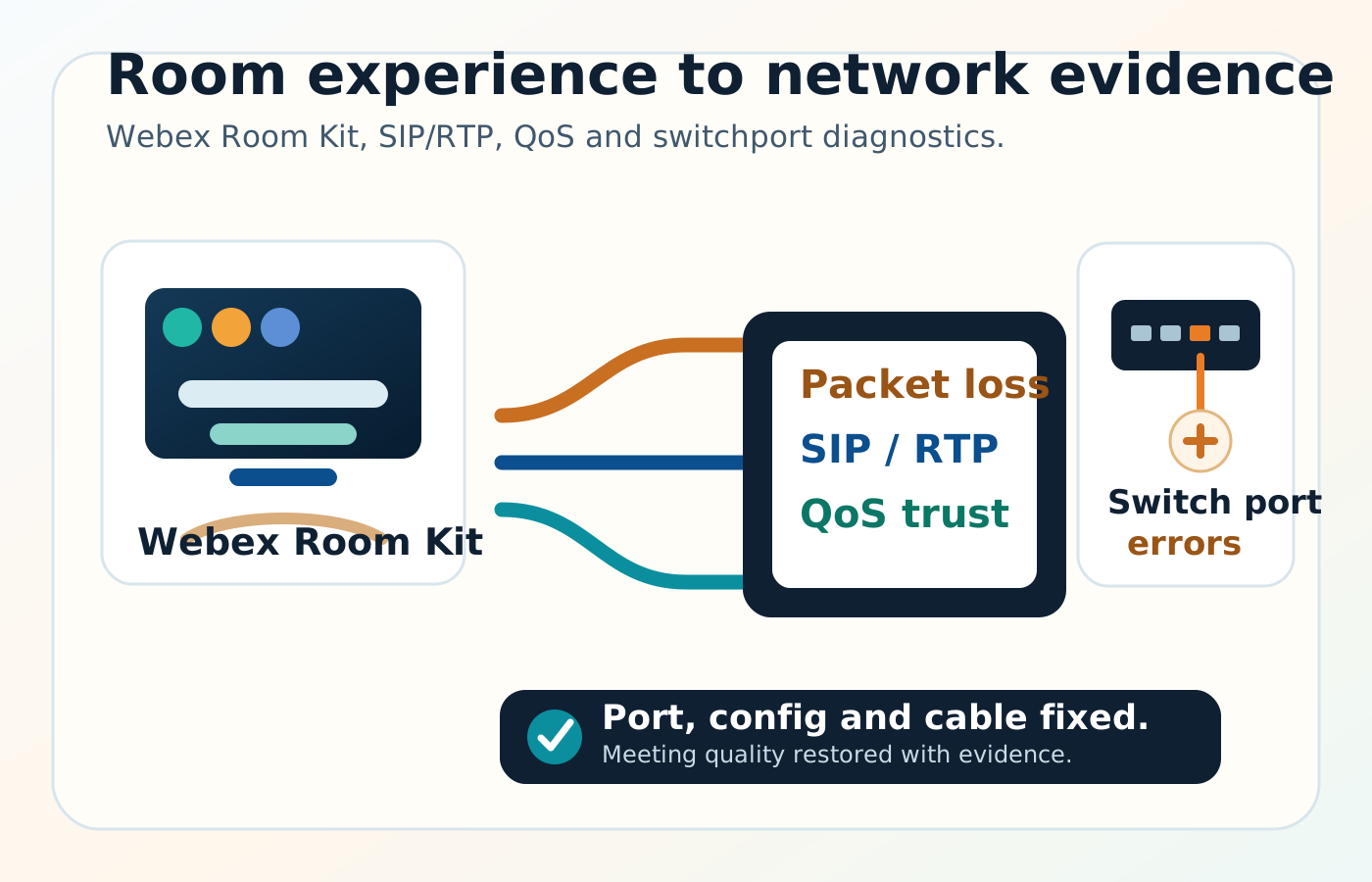
Room kitTraffic behaviour checked inside the Webex Room Kit interface.
Media pathSIP, RTP and QoS treatment reviewed through the network.
SwitchportInterface errors tied the user experience to the physical layer.
RemediationPort, switchport configuration and cable changed to remove the fault.
What changed for Everest.
Tesrex treated the meeting room as a live user experience problem: check the room kit, prove the traffic path, inspect QoS and fix the physical layer issue causing the poor call.
Webex Room KitSIP and RTPQoS policy reviewswitch port diagnosticsphysical layer remediation
Everest stopped seeing the recurring video quality issues recorded in the original case study.
Room device behaviour, SIP/RTP treatment, QoS handling and switchport evidence were tied together.
Meeting summaries, collaboration AI and user experience improvements still depend on clean audio, video and support evidence underneath.
Bring us a meeting-room, collaboration or estate experience issue.
We will prove the source of the user experience problem before recommending the fix, the platform route or the support workpack.